albos studio

Freelance 3D Designer Open for work
mail@albos.studio

Thin Film & Dispersion

Thin Film & Dispersion

Thin Film & Dispersion adds two powerful shader nodes to Blender's Cycles renderer - the Thin Film node, and the Advanced Glass node - giving you greater creative control over iridescent materials and realistic glass. At its core is a highly flexible Thin Film shader that makes it easy to create everything from soap bubbles and oil slicks to bold, stylized interference effects without being limited by Blender's built-in implementation. Alongside it is an Advanced Glass shader featuring physically inspired spectral dispersion, producing convincing chromatic aberration while offering additional controls to fine tune the appearance and performance of glass materials. Whether you're creating product renders, jewellery, abstract artwork or cinematic visuals, these nodes make it easier to achieve optical effects that stand out.

Thin Film & Dispersion adds two powerful shader nodes to Blender's Cycles renderer - the Thin Film node, and the Advanced Glass node - giving you greater creative control over iridescent materials and realistic glass. At its core is a highly flexible Thin Film shader that makes it easy to create everything from soap bubbles and oil slicks to bold, stylized interference effects without being limited by Blender's built-in implementation. Alongside it is an Advanced Glass shader featuring physically inspired spectral dispersion, producing convincing chromatic aberration while offering additional controls to fine tune the appearance and performance of glass materials. Whether you're creating product renders, jewellery, abstract artwork or cinematic visuals, these nodes make it easier to achieve optical effects that stand out.

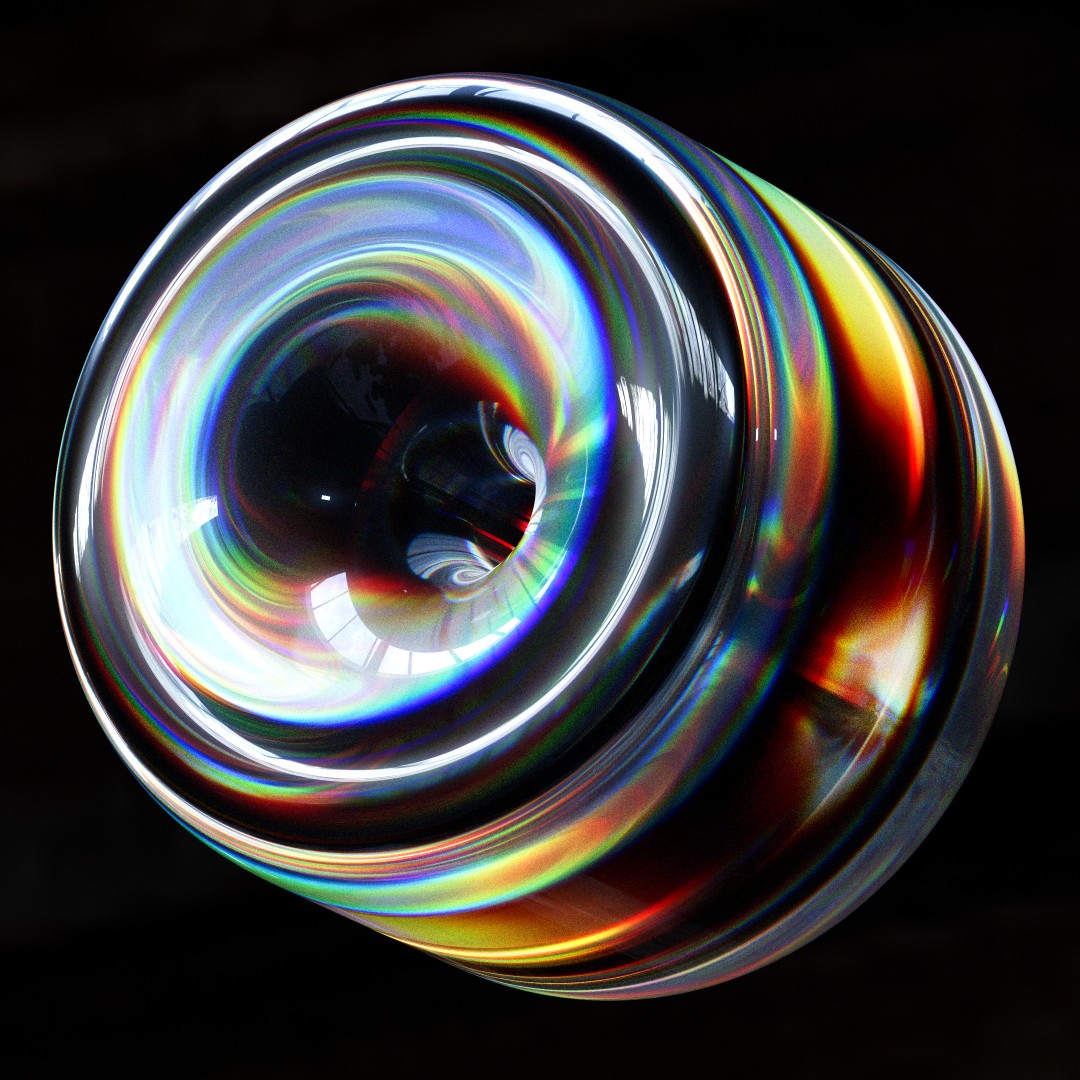
One of the standout features of the Advanced Glass shader is its physically inspired spectral dispersion. Instead of separating light using simple RGB channels, the shader samples individual wavelengths across the visible light spectrum - from approximately 350 to 750 nano meters - allowing every rendered pixel to refract light with a slightly different index of refraction.
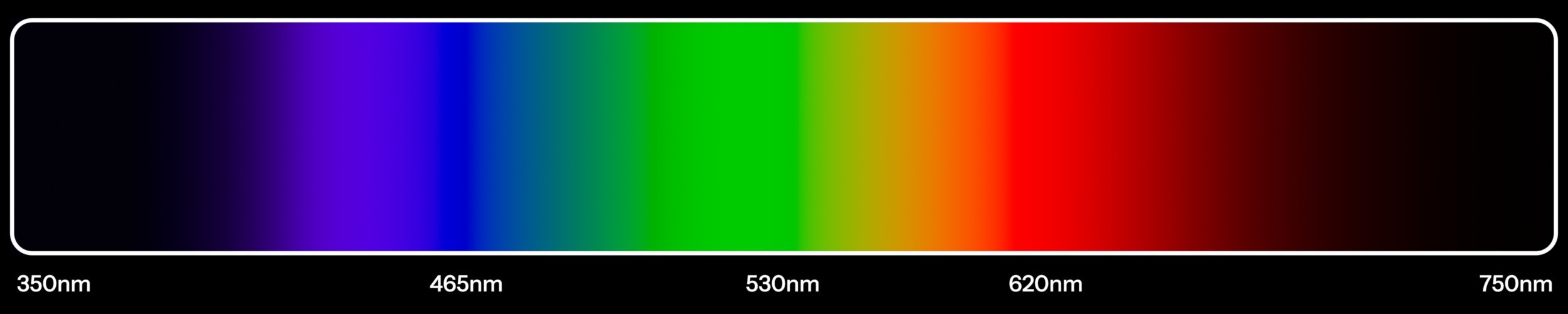
The result is beautifully smooth, natural chromatic separation that closely resembles the behaviour of real glass, producing rich rainbows, subtle colour transitions and stunning chromatic aberration effects that simply aren't possible with traditional RGB dispersion. While this approach requires higher render resolutions and sample counts to achieve the cleanest results, the increase in realism and visual quality makes it well worth the extra render time.

The Thin Film shader gives you complete creative control over one of nature's most beautiful optical phenomena. Built from real-world thin film interference colour data, it reproduces the characteristic rainbow spectrum seen in soap bubbles, oil slicks and anodised metals by exposing both the film thickness and surface IOR as intuitive controls.

Unlike Blender's built-in implementation, the shader outputs the interference colours as a standalone node, allowing you to combine, layer and manipulate the effect however you choose. Whether you're aiming for subtle iridescence or bold, stylised colour shifts, the Thin Film shader makes it easy to art direct the look while remaining grounded in physically inspired behaviour.

Color

Controls the tint of the glass.


Depth

Uses Volume Absorption to add color to the glass, rather than simple glass surface color. The depth value is equivalent to the Absorption Density. This feature only works as long as the Volume output of the shader is plugged into the Volume input of the Material Output node.


Roughness

Adds roughness to the glass, creating a frosted glass look.


IOR

Controls the Index of Refraction of the glass.


Dispersion

Separates white light into its spectral colors, creating realistic chromatic dispersion in the glass.


Shadow Opacity

Controls the visibility of the shadows and caustics created by the glass surface.


Normal

Input Bump or Normal Map nodes.


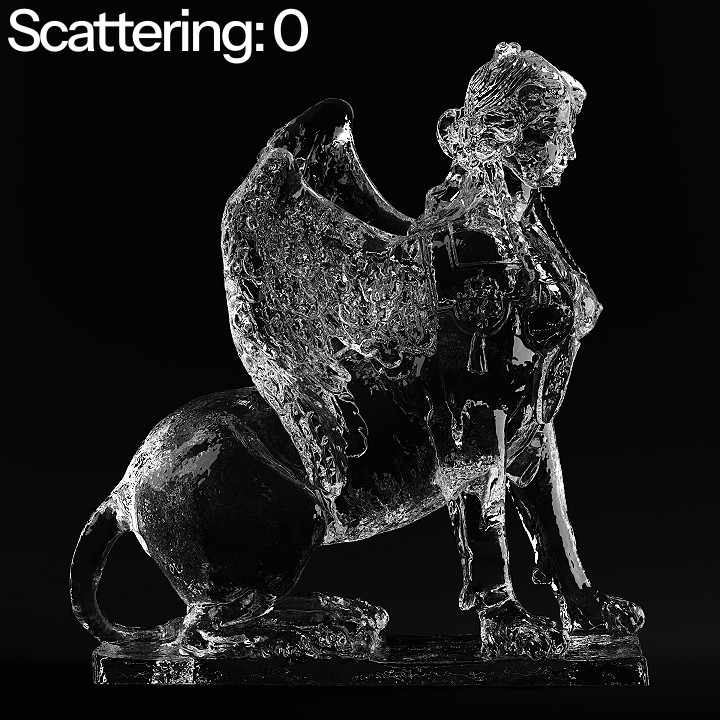
Scattering

Adds volumetric scattering inside the glass. This feature automatically disables shadow opacity to preserve luminosity inside the volume.


Thin Film

Applies a thin film interference effect on the reflection of the glass, producing realistic rainbow reflections on the surface.

Color

Controls the tint of the glass.


Depth

Uses Volume Absorption to add color to the glass, rather than simple glass surface color. The depth value is equivalent to the Absorption Density. This feature only works as long as the Volume output of the shader is plugged into the Volume input of the Material Output node.


Roughness

Adds roughness to the glass, creating a frosted glass look.


IOR

Controls the Index of Refraction of the glass.


Dispersion

Separates white light into its spectral colors, creating realistic chromatic dispersion in the glass.


Shadow Opacity

Controls the visibility of the shadows and caustics created by the glass surface.


Normal

Input Bump or Normal Map nodes.


Scattering

Adds volumetric scattering inside the glass. This feature automatically disables shadow opacity to preserve luminosity inside the volume.


Thin Film

Applies a thin film interference effect on the reflection of the glass, producing realistic rainbow reflections on the surface.

©
Albos Studio
©
Albos Studio